
How to Build a Website with WordPress: A Step-by-Step Guide
WordPress is a content management system that can help you build a business website, portfolio, blog, or online store. You do not need to write every line of code, but you should plan the site carefully and understand its ongoing maintenance needs.
Step 1: Define the website goal
Decide whether the site will present services, collect enquiries, publish articles, or sell products. List the pages and actions visitors should be able to take.
Step 2: Choose WordPress hosting or a local environment
You can experiment locally before publishing, or choose a hosting service for a live website. If you use a hosted installation, review its backups, security, support, storage, and renewal terms.
Step 3: Choose a theme and design system
Select a maintained theme that suits your content and can be customized responsibly. Check mobile layouts, accessibility, performance, licensing, and update history. Avoid installing multiple themes or plugins without a clear reason.
Step 4: Create the core pages
Most business sites need a homepage, services, about, contact, and relevant legal or privacy information. Write clear original copy and use genuine images you have permission to publish.
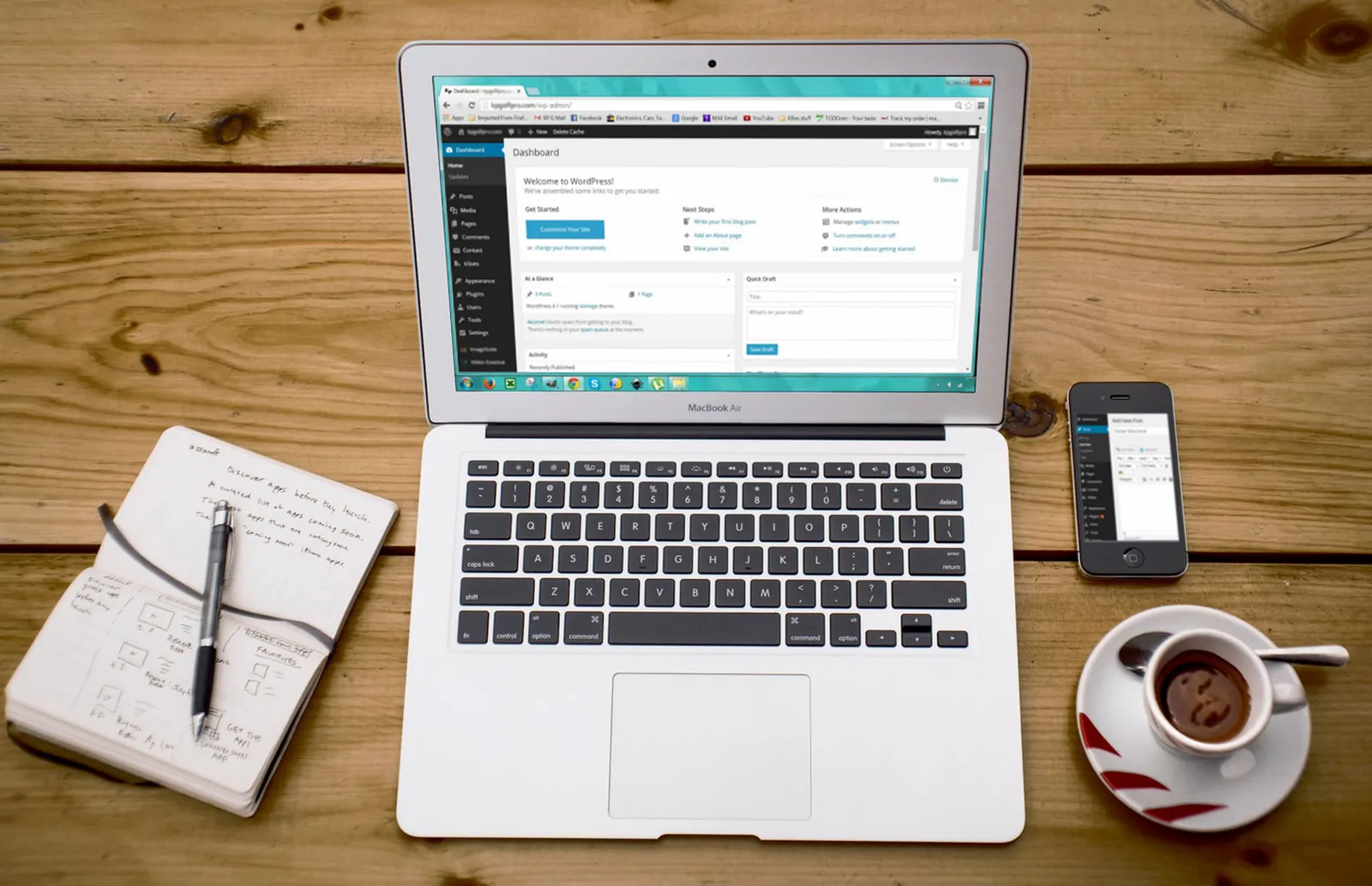
Step 5: Add necessary functionality
Install only the plugins needed for forms, SEO settings, backups, security, or e-commerce. Test plugin compatibility and keep the installation updated.
Step 6: Prepare basic SEO
Use descriptive page titles, clear headings, sensible URLs, internal links, and descriptive image alt text. Confirm that important pages are not accidentally set to noindex.
Step 7: Test and launch
Check mobile layouts, navigation, forms, email delivery, page speed, backups, HTTPS, and broken links. Set up Google Search Console and submit a sitemap if appropriate.
Conclusion
A good WordPress website starts with a clear goal and a simple structure. Build only what you need, test carefully, and plan for ongoing updates and security.
Frequently Asked Questions
Is WordPress free?
The WordPress software is open source, but hosting, domain registration, premium themes, plugins, and maintenance may cost money.
Can I build WordPress without coding?
Many websites can be created with themes and visual editors, though customization may require CSS, PHP, or other technical work.
Is WordPress suitable for business websites?
It is suitable for many service, content, and e-commerce websites, provided the setup matches the project's needs.