

why is my website not ranking on Google
Launching a website does not automatically make it appear near the top of Google Search. Google must discover the pages, crawl and understand them, decide whether they are eligible to be indexed, and then determine where they may appear for relevant searches.
If your website is not ranking, avoid changing everything at once. Check the basics in a logical order, starting with whether Google can access and index the pages you want people to find.
1. Check whether the page is indexed
Search visibility and indexing are different. A page that is not indexed generally cannot appear as a normal Google Search result. Open Google Search Console, inspect the exact URL, and review the indexing information. The site: search operator can provide a rough clue, but it is not a complete indexing report.
If a page is not indexed, review the reason shown in Search Console. Requesting indexing may help Google discover an updated URL, but it does not guarantee inclusion.
2. Make sure search engines can access the page
Check that the page does not have an unintended noindex directive, that robots.txt is not blocking important resources or URLs, and that the page returns a valid status code. Also confirm that the canonical tag points to the intended preferred URL.
Technical settings can accidentally hide pages during development or migration. Ask a developer to review them if you are unsure.

3. Give every important page a clear purpose
Each service page should explain one main offering and answer the questions a potential customer is likely to ask. A page that tries to target every service, city, and audience at once may not communicate a clear purpose.
Create useful pages for genuine services rather than producing many near-identical pages with only the location name changed.
4. Improve titles and headings
Write a unique, descriptive title for each important page. Use a clear H1 heading that tells readers what the page covers, and organize supporting sections with logical H2 and H3 headings.
Include relevant search terms naturally, but do not stuff the title or headings with repeated keywords. A title should help a person understand the page before clicking.
5. Answer the searcher's real question
Content should be helpful, accurate, and written for people. Explain the service, process, benefits, limitations, price factors, timelines, and next steps where relevant. Add original examples or experience that generic pages cannot provide.
A longer article is not automatically better. Make the page as complete as the topic requires, remove filler, and keep information current.
6. Check mobile usability and page experience
Many visitors use phones, so important content, menus, forms, and calls to action should work on smaller screens. Check text readability, spacing, tap targets, and whether pop-ups interrupt the experience.
Use PageSpeed Insights or other suitable tools to identify performance issues. Speed is one aspect of a good experience, but improving one metric alone does not guarantee higher rankings.
7. Improve internal linking
Link related pages together using descriptive anchor text. For example, a blog about website costs can link to your website development service page, while a local SEO article can link to a local SEO service page if you offer one.
Internal links help visitors navigate and help search engines discover relationships between pages. Avoid orphan pages that cannot be reached through normal site navigation or contextual links.
8. Earn relevant, trustworthy backlinks
Links from relevant, credible websites can help people discover your business and may contribute to search understanding. Build relationships, publish useful resources, participate in legitimate local business communities, and make it easy for partners to reference your work.
Avoid buying spammy links or using automated link schemes. These tactics can create risk without building a durable reputation.
9. Review local SEO signals
If you serve a local area, make your business name, contact details, service area, and services clear on your website. Keep your Google Business Profile accurate if you are eligible, and ask real customers for honest reviews without offering improper incentives.
Use location terms where they genuinely help customers. Do not create misleading location pages for places where you have no real presence or service relevance.
10. Measure the right data and give changes time
Search Console can show impressions, clicks, queries, and indexing information. Analytics can help you understand what visitors do after arriving. Compare trends over time rather than judging a page from one day of data.
After meaningful changes, allow time for crawling and evaluation. Rankings vary by query, location, competition, and many other factors; no agency can honestly guarantee a particular position.
Frequently asked questions
How long does SEO take to work?
It varies by website, competition, technical condition, and the changes made. Some improvements can be noticed sooner, while meaningful growth often takes longer.
Why is my new website not on Google?
Google may not have discovered or indexed its pages yet, or the pages may not provide enough distinct value for the searches you target.
Does adding more keywords improve ranking?
Repeating keywords unnaturally is not a reliable strategy. Focus on clear, useful content that matches the searcher's needs.
Should I submit a sitemap?
A sitemap can help search engines discover URLs, especially on larger or recently launched sites, but it does not guarantee indexing.
Conclusion
If your website is not ranking, start with Search Console and technical accessibility, then improve page purpose, content, usability, internal links, and trust signals. Keep records of changes and evaluate the results over time.
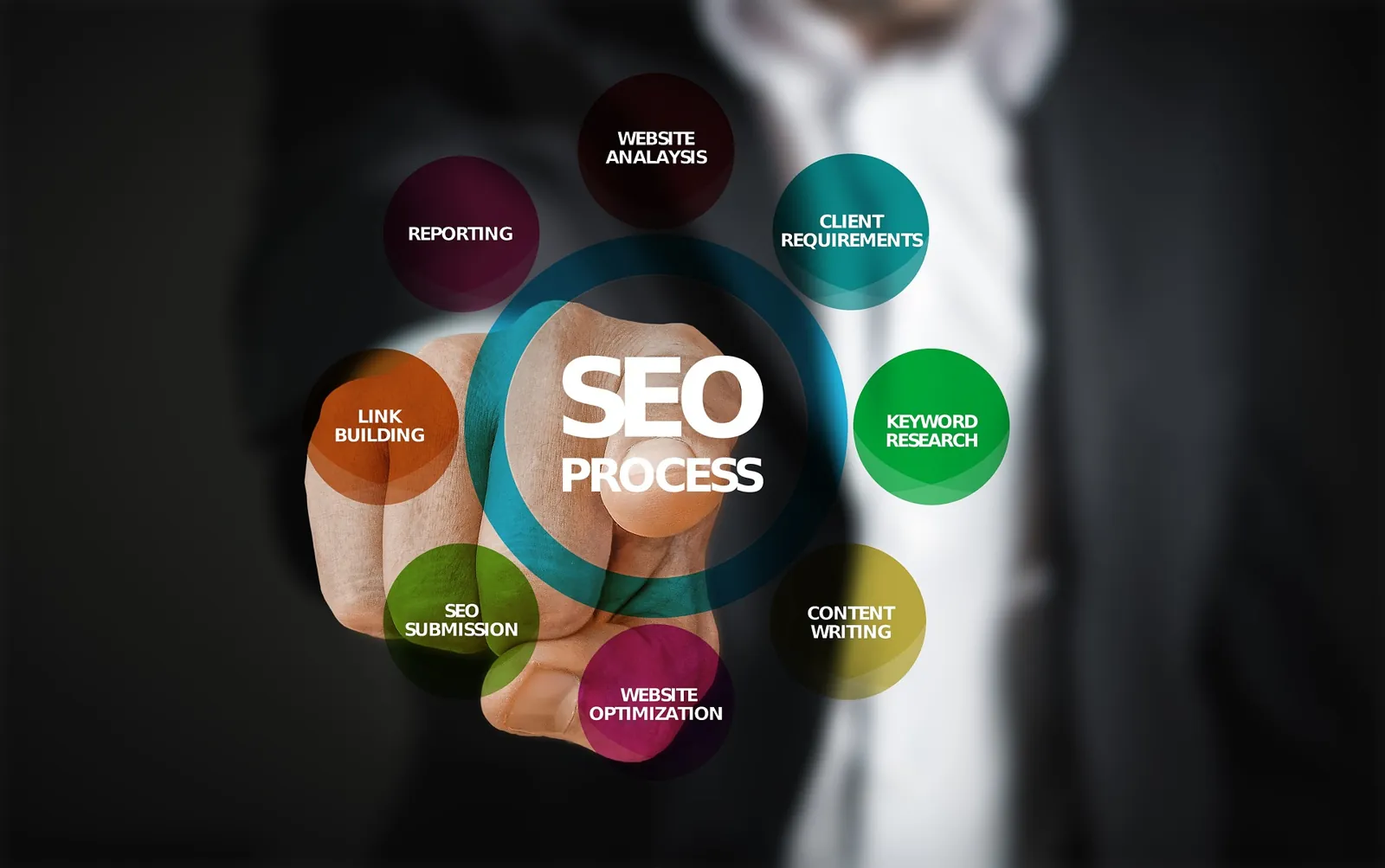
SEO works best as an ongoing process of helping both people and search engines understand why your pages are useful.